
DNS
DNS and BIMI
Display your logo in the inbox — what it takes and whether it's worth it.
What BIMI Does
BIMI — Brand Indicators for Message Identification — lets organizations that have implemented DMARC enforcement display their logo directly in the inbox. When a BIMI-enabled email client (Gmail, Yahoo Mail, and others) receives a message from a BIMI-configured domain, your logo appears next to the sender name.
The practical effect: legitimate emails become visually identifiable at a glance, and phishing attempts that can't pass your DMARC checks cannot display your logo.
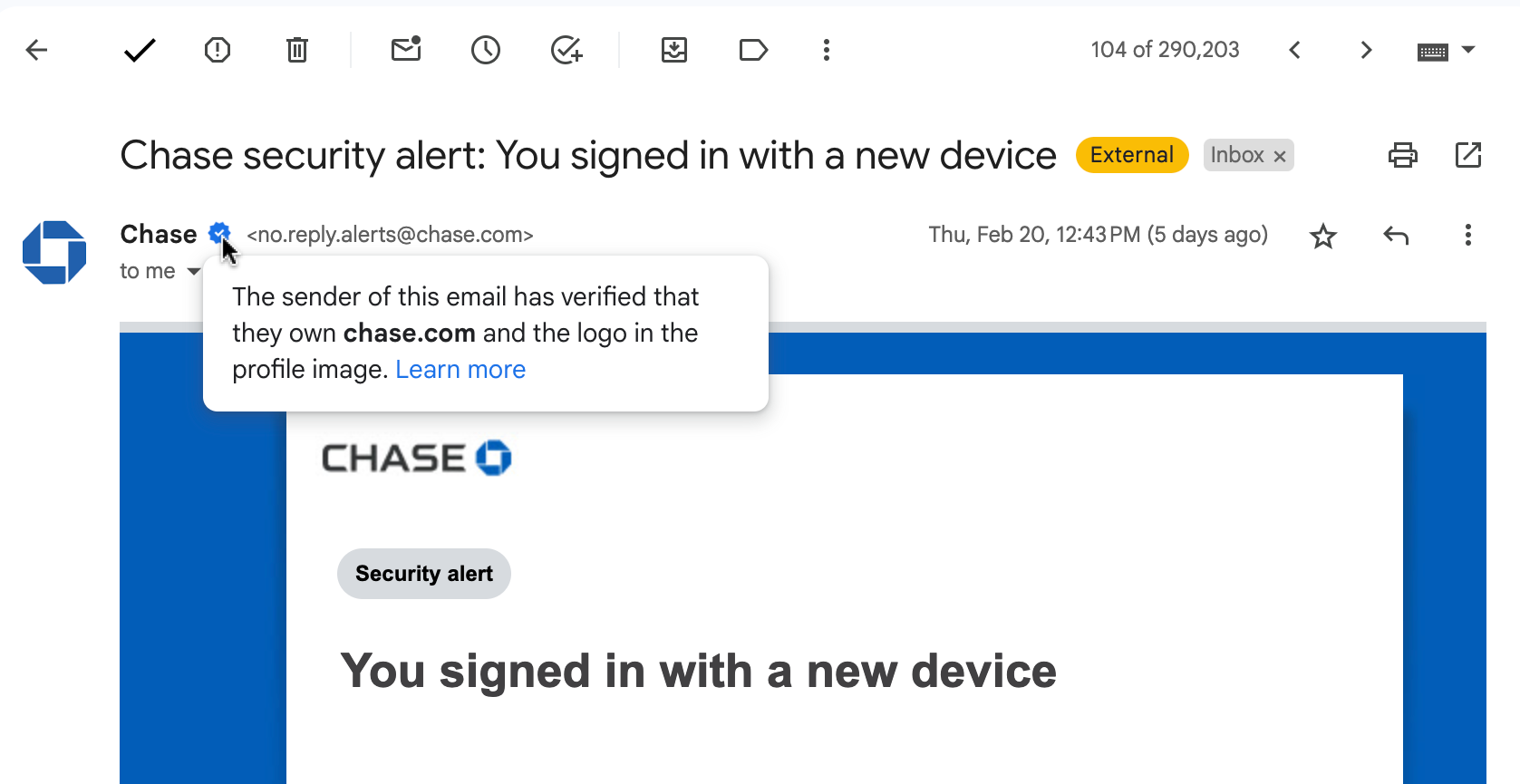
BIMI verification as it appears in Gmail.
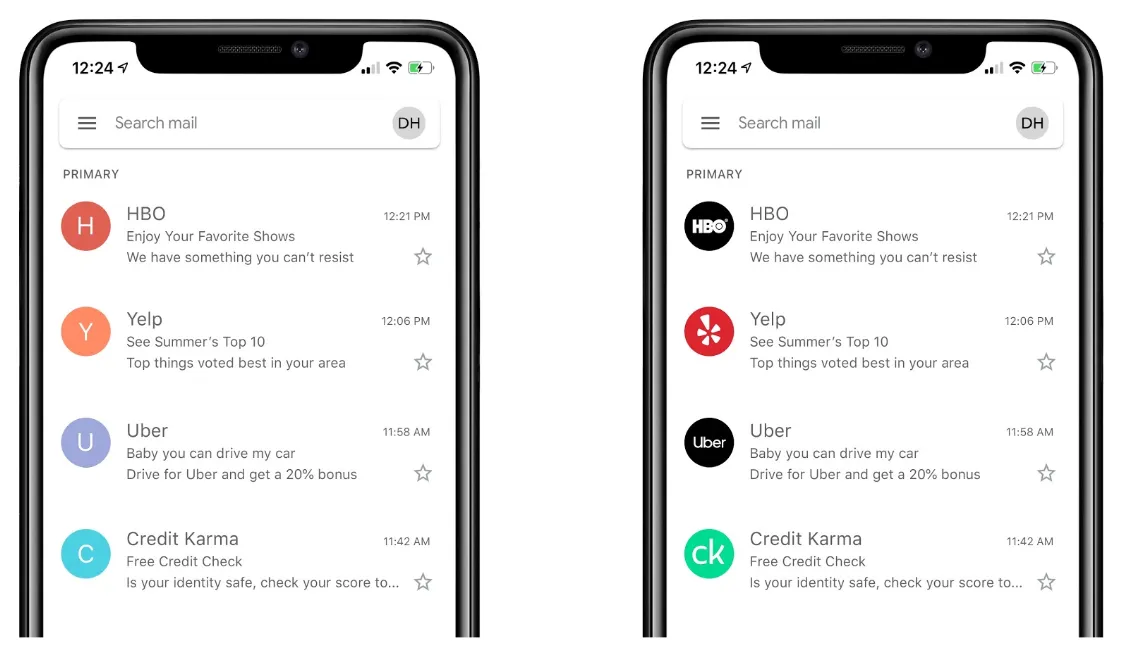
An inbox with multiple BIMI-verified senders (credit: Mailhardener).
Prerequisites
BIMI requires:
- DMARC policy at p=quarantine or p=reject (p=none is not sufficient)
- A Verified Mark Certificate (VMC) from an approved certificate authority (DigiCert or Entrust)
- Your logo in a specific SVG format (SVG Tiny 1.2 profile)
- A BIMI DNS TXT record
VMC vs. CMC: Two Certificate Options
There are now two certificate types available for BIMI:
VMC (Verified Mark Certificate) — requires a registered trademark on your logo. Issued by DigiCert or Entrust. Typically $1,000–$1,500/year. The trademark verification process takes several weeks.
CMC (Common Mark Certificate) — does not require a registered trademark. Requires only that your logo is "distinctive" (i.e., meaningfully associated with your brand). Also issued by DigiCert or Entrust, similar pricing. This is the path for organizations that haven't trademarked their logo — and for most SMBs, it's the right starting point.
The practical implication: trademark registration is no longer a prerequisite for BIMI. If you have a distinctive logo and your DMARC is at p=reject, you can pursue BIMI with a CMC today.
The BIMI DNS Record
default._bimi.yourdomain.com TXT "v=BIMI1; l=https://yourdomain.com/logo.svg; a=https://yourdomain.com/cert.pem"The l= points to your hosted SVG logo. The a= points to your VMC.
Client Support
Gmail and Yahoo Mail support BIMI. Microsoft Outlook/365 does not currently implement it. Given that Gmail represents a significant share of business email receipt, BIMI is worthwhile for organizations with strong brand identity and solid email authentication already in place.
Is It Worth It?
For most organizations: only after you have DMARC fully enforced. The DMARC work delivers the real security value — BIMI is the branding benefit that comes after. If you're at p=reject with full email authentication in place and you have a registered trademark on your logo, BIMI is a natural next step. If you haven't completed the DMARC implementation journey, start there.